

A lot of people know about the traditional shortcut on the “USA” race track map – which you can take by turning right at the beginning of the race.
But I found a second shortcut that I wanted to let everyone know about.
Let’s “jump” into it.
Video Tutorial for the Second Shortcut in the USA Race Track
This is a quick video I put together that shows you another shortcut on this USA race track map.
Using this method, you can jump over the wall of the circular track.
For anyone else who would like a more detailed version, I put together the step-by-step guide below.
Step 1: Start the Race By Driving Behind the Wall to Your Left
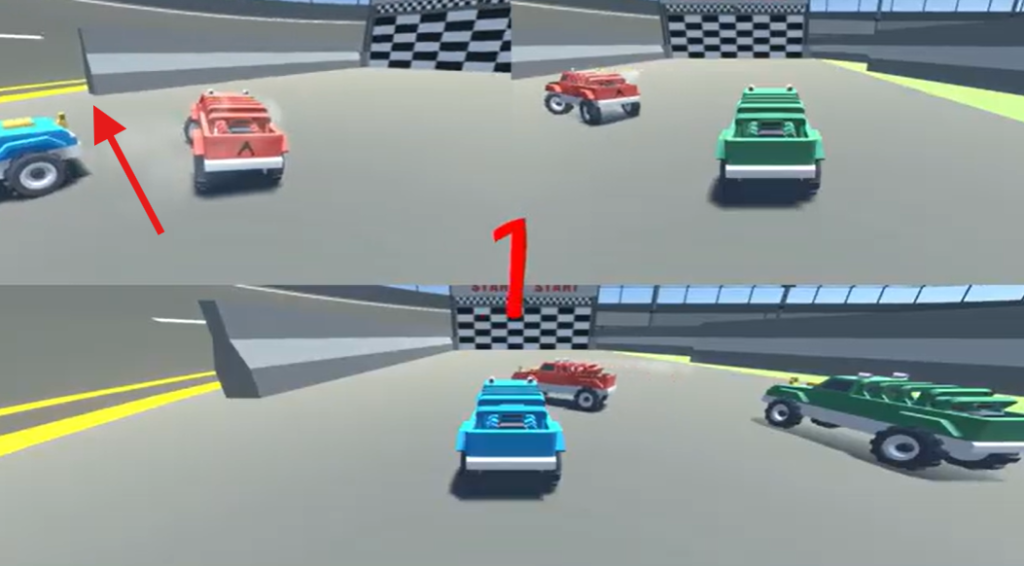
Instead of going straight or going right, drive left.
You’ll see a wall – drive to the other side of this wall.
Step 2: Get Parallel to the Wall
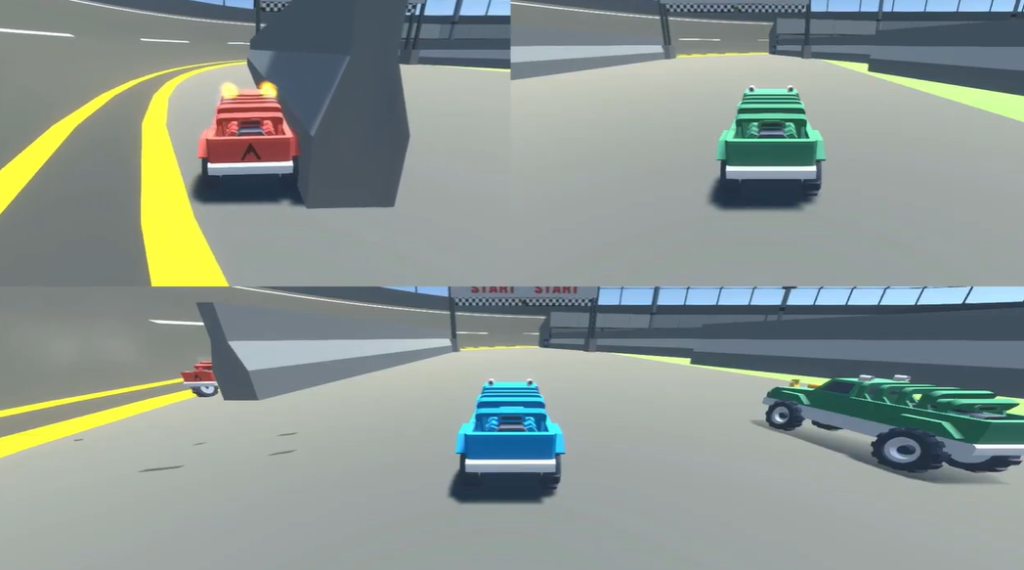
You’ll want to get parallel to this wall and get as close as possible to this wall.
The trick is to not drive too far along this wall.
The farther you drive along this wall, the better chances you have of flying outside of the map boundaries.
Step 3: Reset Your Truck by Pressing “L1”
If you’re close enough to this wall and you press the button to reset your truck (“L1” on PS4), there will be some type of collision between the wall and your truck.
This collision will send your truck flying over the wall of the circular track.
Step 4: While in the Air, Hold Turbo Boost and Keep Resetting Your Truck
To prevent yourself from flying off of the map, keep holding down the turbo boost button and keep resetting your truck.
If done correctly, you’ll land on the other side of the circular map.
Step 5: Get Back on the Track and Finish the Race
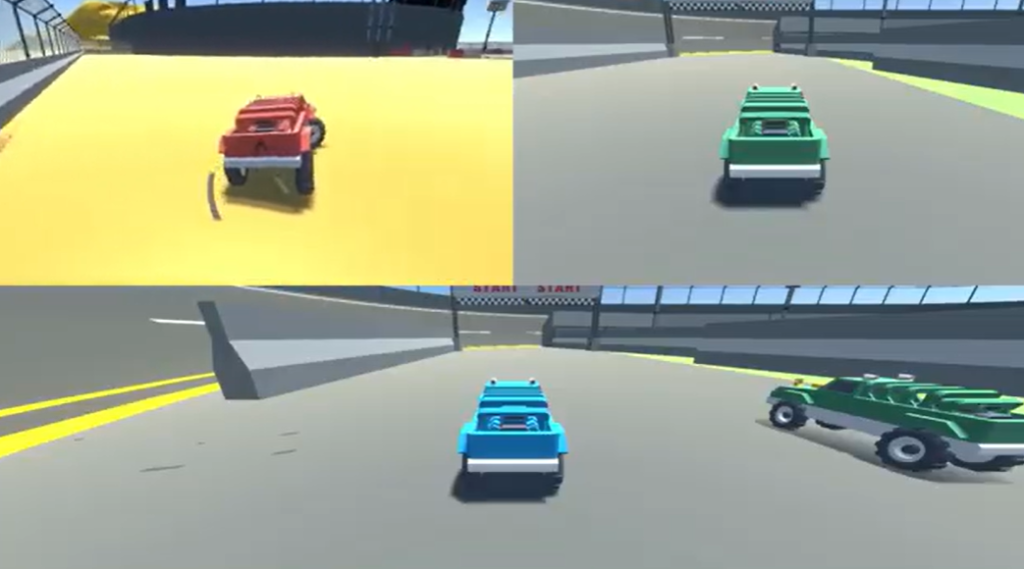
Now that you’ve landed, simply drive back toward the map and finish the race!
Find Another Secret I Missed?
If you found another cheat, glitch, secret, etc – I’d love to hear about it!
Head on over to the Contact Us page and send me a message.